
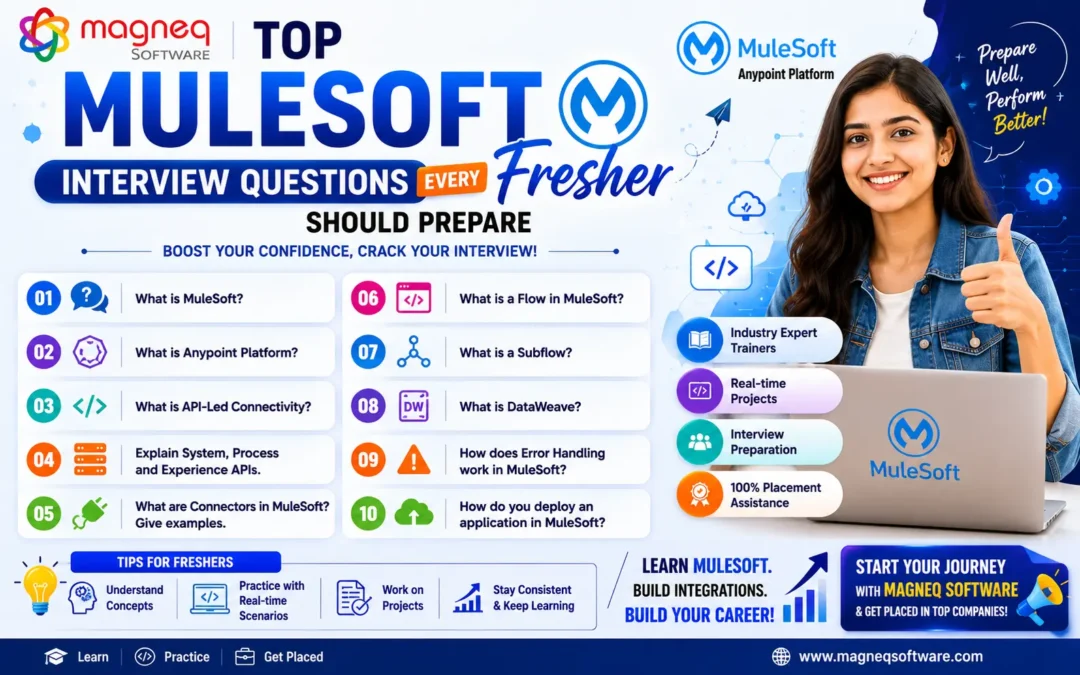
Top MuleSoft Interview Questions Every Fresher Should Prepare in 2026
Introduction
As organizations continue investing in digital transformation, API-led connectivity, cloud integration, and enterprise automation, the demand for MuleSoft professionals is growing rapidly. MuleSoft has become one of the most sought-after integration platforms, creating excellent career opportunities for freshers and aspiring developers.
If you’re planning a career in enterprise integration, our MuleSoft Training Hyderabad program provides real-time project exposure and interview preparation.
However, securing a MuleSoft Developer role requires more than just completing a training program. Candidates must have a strong understanding of MuleSoft fundamentals, APIs, DataWeave, integration patterns, and real-world implementation scenarios.
If you’re preparing for your first MuleSoft interview, this guide covers the most important MuleSoft interview questions every fresher should prepare in 2026.
Why MuleSoft Skills Are in Demand
Organizations use multiple applications, databases, cloud services, and third-party systems. MuleSoft helps connect these systems efficiently using APIs and integrations.
Industries Hiring MuleSoft Professionals
- Banking & Financial Services
- Healthcare
- Retail & E-Commerce
- Insurance
- Telecommunications
- Manufacturing
- Logistics
Because of this growing demand, MuleSoft developers are becoming valuable assets for enterprises worldwide.
MuleSoft Fundamentals Interview Questions
1. What is MuleSoft?
Answer:
MuleSoft is an integration platform that enables organizations to connect applications, data, and devices through APIs. It helps businesses integrate cloud-based and on-premise systems efficiently using the Anypoint Platform.
2. What is Anypoint Platform?
Answer:
Anypoint Platform is MuleSoft’s unified integration platform used for:
- API Design
- API Development
- API Management
- Integration Development
- Deployment
- Monitoring
It provides a complete solution for building and managing integrations.
3. What is a Mule Event?
Answer:
A Mule Event is the data container that travels through a Mule application.
It contains:
- Payload
- Variables
- Attributes
- Error Information
Every Mule flow processes Mule Events.
4. What is Payload in MuleSoft?
Answer:
Payload is the actual data being processed within a Mule flow.
Examples:
- JSON Data
- XML Data
- CSV Files
- Java Objects
The payload can be modified throughout the integration process.
5. What are Variables in MuleSoft?
Answer:
Variables store temporary data within a Mule flow and can be used later in the integration process.
Variables help maintain information during execution.
API Interview Questions
6. What is an API?
Answer:
API (Application Programming Interface) allows different applications to communicate and exchange data.
It acts as a bridge between software systems.
7. What is API-Led Connectivity?
Answer:
API-Led Connectivity is MuleSoft’s integration approach that organizes APIs into three layers:
System APIs
Connect backend systems.
Process APIs
Handle business logic.
Experience APIs
Deliver data to end-user applications.
This approach improves scalability and reusability.
8. What is the Difference Between REST and SOAP?
| REST | SOAP |
|---|---|
| Lightweight | Heavier Protocol |
| Uses JSON | Uses XML |
| Faster | Slower |
| Easy to Use | Complex |
| Widely Used | Enterprise Legacy Systems |
REST APIs are more commonly used in modern applications.
9. What Are HTTP Methods?
Common HTTP Methods include:
- GET – Retrieve Data
- POST – Create Data
- PUT – Update Data
- DELETE – Remove Data
- PATCH – Partial Update
These methods are essential for API communication.
10. What Are HTTP Status Codes?
Examples:
- 200 – Success
- 201 – Created
- 400 – Bad Request
- 401 – Unauthorized
- 404 – Not Found
- 500 – Internal Server Error
Interviewers frequently ask about status codes.
DataWeave Interview Questions
11. What is DataWeave?
Answer:
DataWeave is MuleSoft’s data transformation language used to transform data between formats such as:
- JSON
- XML
- CSV
- Java Objects
It is one of the most important MuleSoft skills.
12. Why is DataWeave Important?
DataWeave helps:
- Transform data
- Filter records
- Map fields
- Manipulate complex structures
Almost every MuleSoft project uses DataWeave.
13. Can DataWeave Convert JSON to XML?
Answer:
Yes.
DataWeave supports transformations between:
- JSON → XML
- XML → JSON
- CSV → JSON
- JSON → CSV
and many other formats.
14. What Are Some Common DataWeave Functions?
Examples include:
- map
- filter
- reduce
- groupBy
- orderBy
These functions simplify data processing.
Mule Flow Interview Questions
15. What is a Flow in MuleSoft?
Answer:
A Flow is a sequence of processors that execute business logic in MuleSoft.
Flows are the core building blocks of Mule applications.
16. What is the Difference Between Flow and Subflow?
Flow
Can have an event source.
Subflow
Cannot have an event source.
Subflows are reusable within multiple flows.
17. What is an Event Source?
Answer:
An Event Source triggers a Mule flow.
Examples:
- HTTP Listener
- Scheduler
- File Listener
Without an event source, a flow cannot start automatically.
Connector Interview Questions
18. What is a Connector?
Answer:
A Connector allows MuleSoft to communicate with external systems.
Examples include:
- HTTP Connector
- Database Connector
- Salesforce Connector
- FTP Connector
Connectors simplify integration development.
19. What is an HTTP Listener?
Answer:
HTTP Listener receives incoming HTTP requests and triggers Mule flows.
It is commonly used to expose APIs.
20. What is Database Connector?
Answer:
Database Connector allows Mule applications to:
- Read Data
- Insert Records
- Update Records
- Delete Records
from relational databases.
Error Handling Interview Questions
21. What is Error Handling in MuleSoft?
Answer:
Error handling manages exceptions during application execution.
It helps ensure application stability and proper response management.
22. What is On Error Continue?
Answer:
On Error Continue handles an error and allows the flow to continue execution.
The error is considered resolved.
23. What is On Error Propagate?
Answer:
On Error Propagate handles the error but passes it to the caller.
The flow execution stops.
24. What is Try Scope?
Answer:
Try Scope is used to encapsulate logic and apply localized error handling.
It works similarly to try-catch blocks in programming languages.
Deployment Interview Questions
25. What is CloudHub?
Answer:
CloudHub is MuleSoft’s cloud-based deployment platform.
It allows developers to deploy, manage, and monitor Mule applications.
26. What is Runtime Manager?
Answer:
Runtime Manager helps:
- Deploy Applications
- Monitor Performance
- Manage Environments
- Troubleshoot Issues
It is a key component of Anypoint Platform.
Scenario-Based Interview Questions
27. How Would You Handle Invalid API Requests?
Expected Answer:
- Validate input data
- Use error handling
- Return meaningful error messages
- Log errors appropriately
28. How Would You Connect MuleSoft to a Database?
Expected Steps:
- Configure Database Connector
- Set Database Connection
- Write SQL Queries
- Process Results
29. How Would You Call Multiple APIs Simultaneously?
Expected Answer:
Use Scatter-Gather component.
It sends requests to multiple services in parallel and combines responses.
30. What Real-Time Projects Have You Worked On?
Freshers should discuss projects such as:
- E-Commerce Integration
- Banking System Integration
- Salesforce Integration
- Employee Management API
- Healthcare Data Integration
Interviewers often focus heavily on project experience.
Tips to Crack MuleSoft Interviews
Practice DataWeave Daily
Most technical rounds include DataWeave questions.
Understand APIs Thoroughly
API concepts form the foundation of MuleSoft.
Work on Real-Time Projects
Projects demonstrate practical knowledge.
Learn Error Handling
A favorite topic among interviewers.
Build Confidence
Be prepared to explain concepts clearly and confidently.
Common Mistakes Freshers Should Avoid
❌ Memorizing answers without understanding concepts
❌ Ignoring API fundamentals
❌ Lack of DataWeave practice
❌ Not preparing project explanations
❌ Weak communication skills
❌ Skipping deployment concepts
Avoiding these mistakes can significantly improve interview performance.
Conclusion
MuleSoft interviews for freshers primarily focus on integration fundamentals, APIs, DataWeave, connectors, flows, error handling, and real-world project experience. Building a strong foundation in these areas and practicing hands-on projects can greatly increase your chances of success.
As API-led connectivity and digital transformation continue to grow in 2026, MuleSoft remains one of the most promising technologies for freshers looking to build a rewarding IT career.
Start preparing today, gain practical experience, and approach your interviews with confidence.